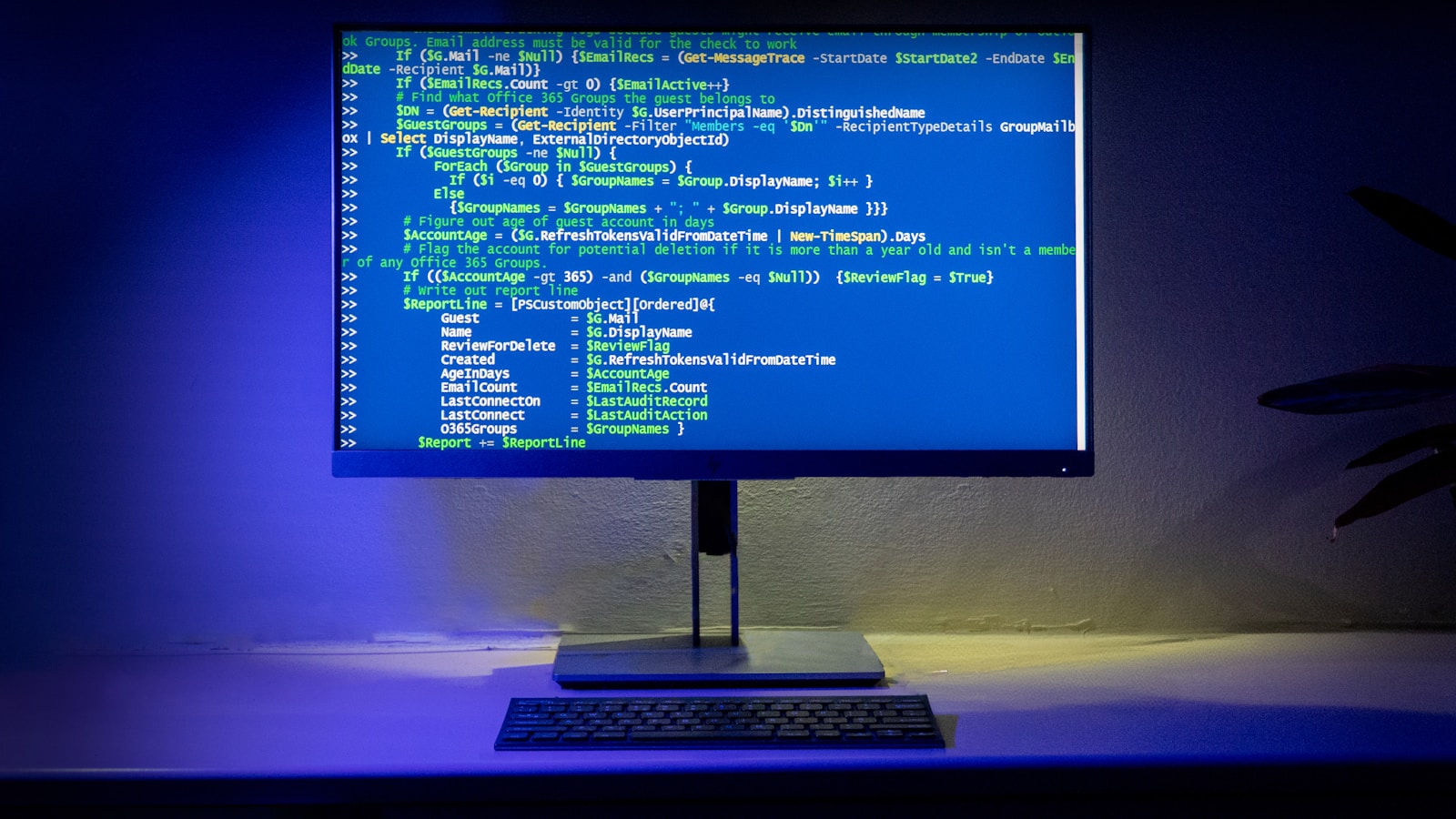
A WordPress site often fails not because of a lack of features, but because maintenance was sidelined as a ‘nice-to-have’. When a plugin update breaks a custom function or an API integration stops working overnight, the consequences can be catastrophic, leading to lost revenue and damaged reputation. Maintenance is not optional; it’s business protection.
Why This Matters for Business Owners and Technical Decision Makers
Imagine your revenue-driving website suddenly becomes a liability overnight. Without regular maintenance, vulnerabilities can be exploited, performance can degrade, and SEO rankings can plummet. Business owners and technical decision-makers must prioritize maintenance as a strategic investment, not a discretionary expense. It directly impacts customer experience, security, and ultimately, your bottom line.
Practical Architecture: WordPress Plugin Side
Custom WordPress development requires an understanding of the plugin architecture. Each plugin update should be tested in a staging environment. Use version control to manage custom plugin changes, and ensure compatibility with the WordPress core and other plugins.
n8n and Automation
n8n workflows automate routine checks like plugin updates and error logging. Implement a webhook to trigger a notification when an update is available. Always validate the payload contract to ensure data integrity.
AI Integration
Integrate AI tools to monitor site health and predict potential issues. For example, use AI to analyze traffic patterns and detect anomalies that could indicate a security breach.
Payload Contract and Data Model
Define a clear payload contract for any API integrations. This ensures consistent data structure across updates. Use JSON schema validation to catch discrepancies early. Maintain an API versioning strategy to handle backward compatibility gracefully.
Error Handling: Retries, Duplicate Requests, Partial Failures
Implement a robust error handling mechanism. Use idempotency keys to manage duplicate requests. Set up retry policies with exponential backoff for failed requests. Log all errors for post-mortem analysis and continuous improvement.
Security: API Keys, Webhook Secret, Permissions
Security is non-negotiable. Use API keys and webhook secrets to authenticate requests. Regularly rotate these keys and monitor access logs. Implement role-based permissions to control access to sensitive areas of your site.
Maintenance: Monitoring, Versioning, Testing After Plugin/API Changes
Regular monitoring is crucial. Use tools to track uptime, performance metrics, and security vulnerabilities. Test all changes in a staging environment before deploying to production. Maintain a version history for rollback in case of errors.
Checklist for WordPress Maintenance
- Regular backups and restore tests
- Plugin and core updates
- Security scans and vulnerability assessments
- Performance optimization checks
- Error log reviews
Conclusion
WordPress maintenance is a vital aspect of safeguarding your online business. It’s a proactive approach to risk management that ensures your site remains secure, performs well, and provides an excellent user experience. Contact WebCosmonauts for expert WordPress development, automation, or AI integration services.