MówiMisie
A big world of small discoveries. An educational Flutter app that combines friendly design, interactive play, and a consistent experience on phone, tablet, and browser.
Explore the story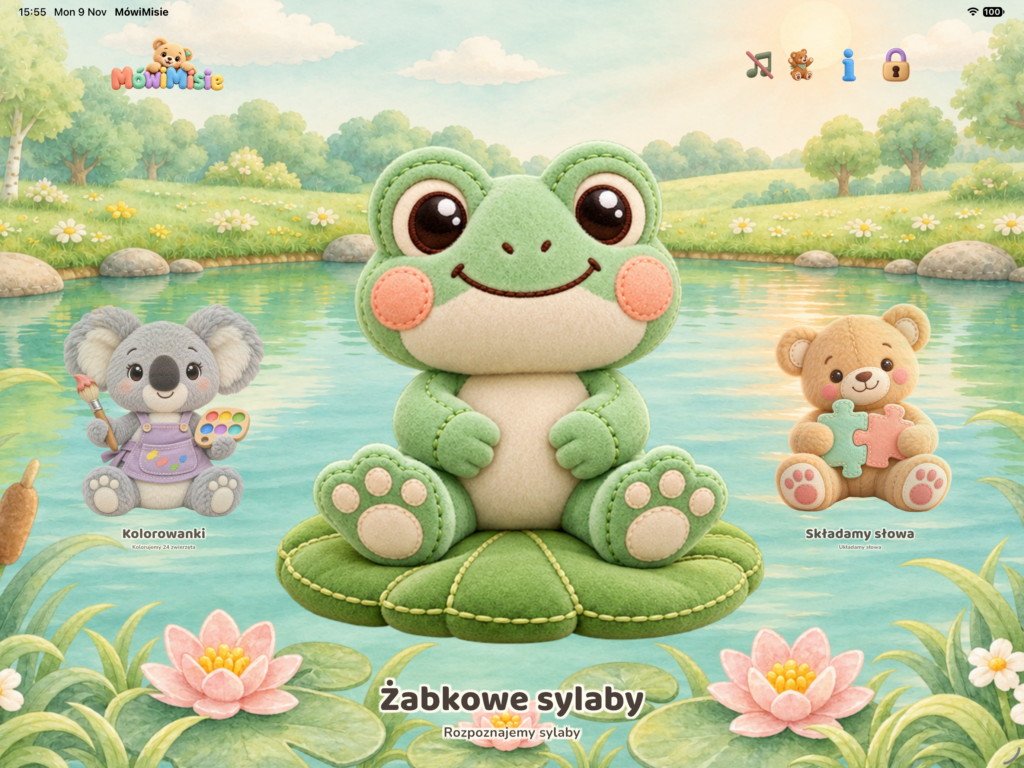 MówiMisie
Small discoveries. Thoughtful product.
MówiMisie is an educational world for preschool children. It combines learning to read and write, logic games, music, and world discovery in one coherent experience. We designed its visual language, interactions, and Flutter application, as well as a Laravel backend for managing content and progress.
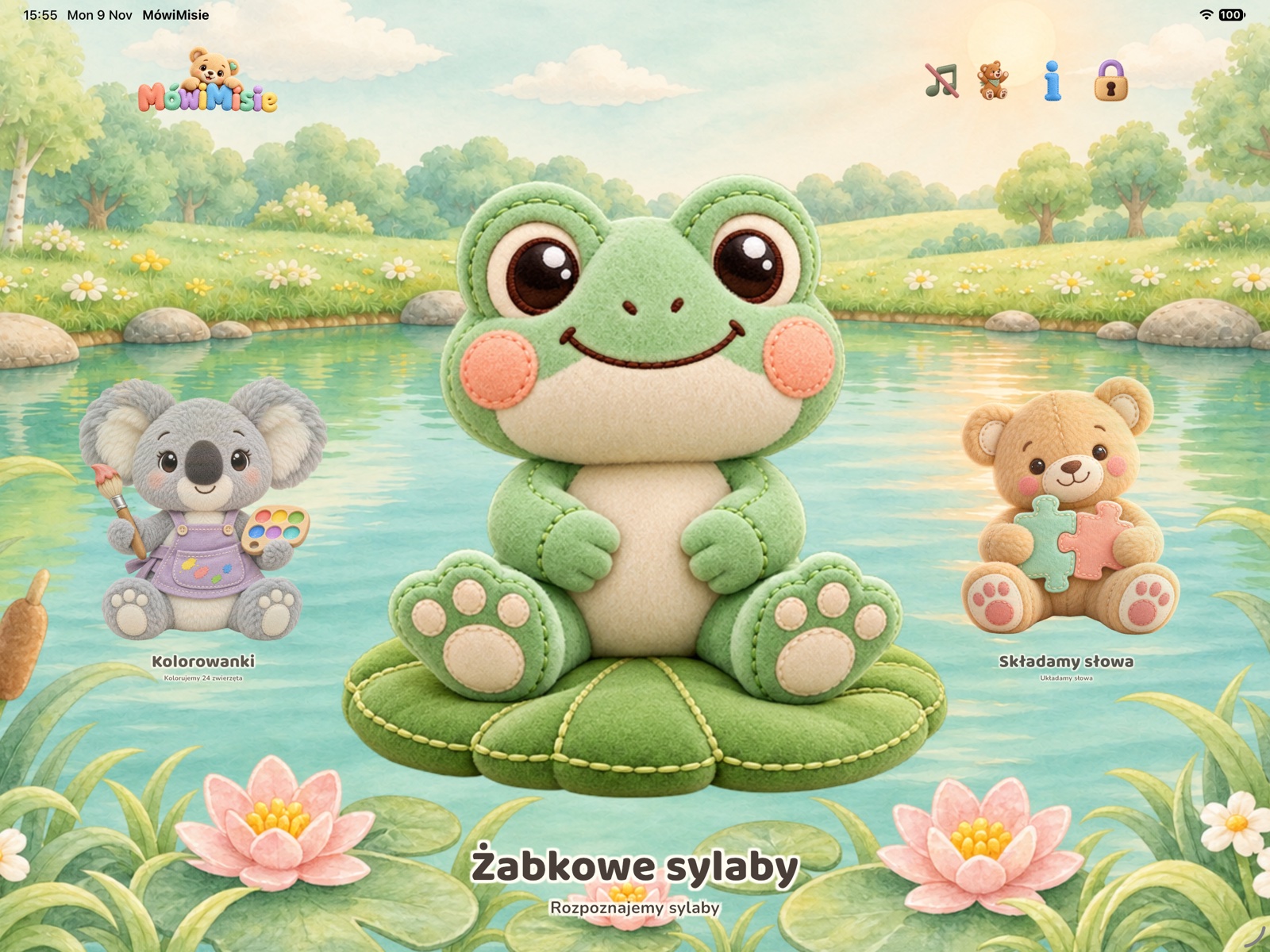
The biggest challenge? To create a product where a child understands what they can do even before reading fluently. That is why image, voice, and movement work together: the character invites to play, instruction explains the task, and the interface responds to actions.
What we designed and built
Product and UX
Navigation between lessons, short learning sessions, instructions, hints, and feedback. Separate paths for exercises with answers and free play.
Visual world
Consistent style of illustrations, plush characters, and soft surfaces. Colors, typography, cards, buttons, animations, and touch responses.
Flutter application
Shared Dart code, interactive scenes, support for touch, mouse, and Apple Pencil, integration of recordings, and local saving of results.
Laravel backend
API, task library, and editorial panel. Support for content versions, draft changes, publishing, and device progress synchronization.
What does one play session look like?
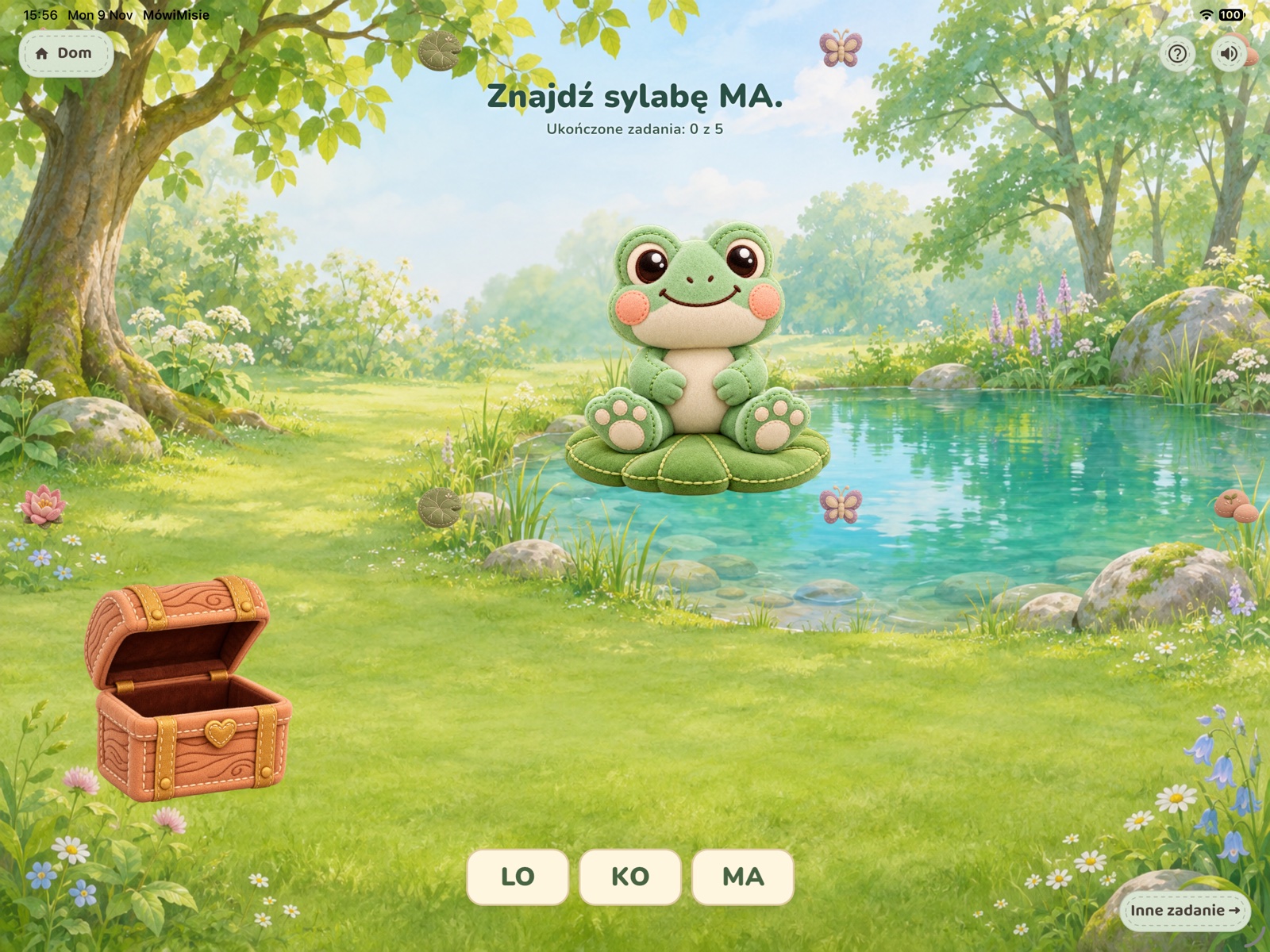
The child selects an activity on the main screen. During the first encounter, they learn the rules and then complete short tasks: dragging an element, choosing an answer, matching pictures, or tracing with a finger. After a correct action, they receive a friendly reaction and move on.
A typical short learning cycle includes up to five tasks, after which the app returns to the meadow. Piano, puzzles, and other independent activities have their own play rhythm.
Tasks are mixed considering previous completions and recently shown content. Re-solving a task is possible but does not create another unique completion. A mistake does not remove the earned score — you can try again.
Different skills. One friendly world.
Letters, syllables, and words
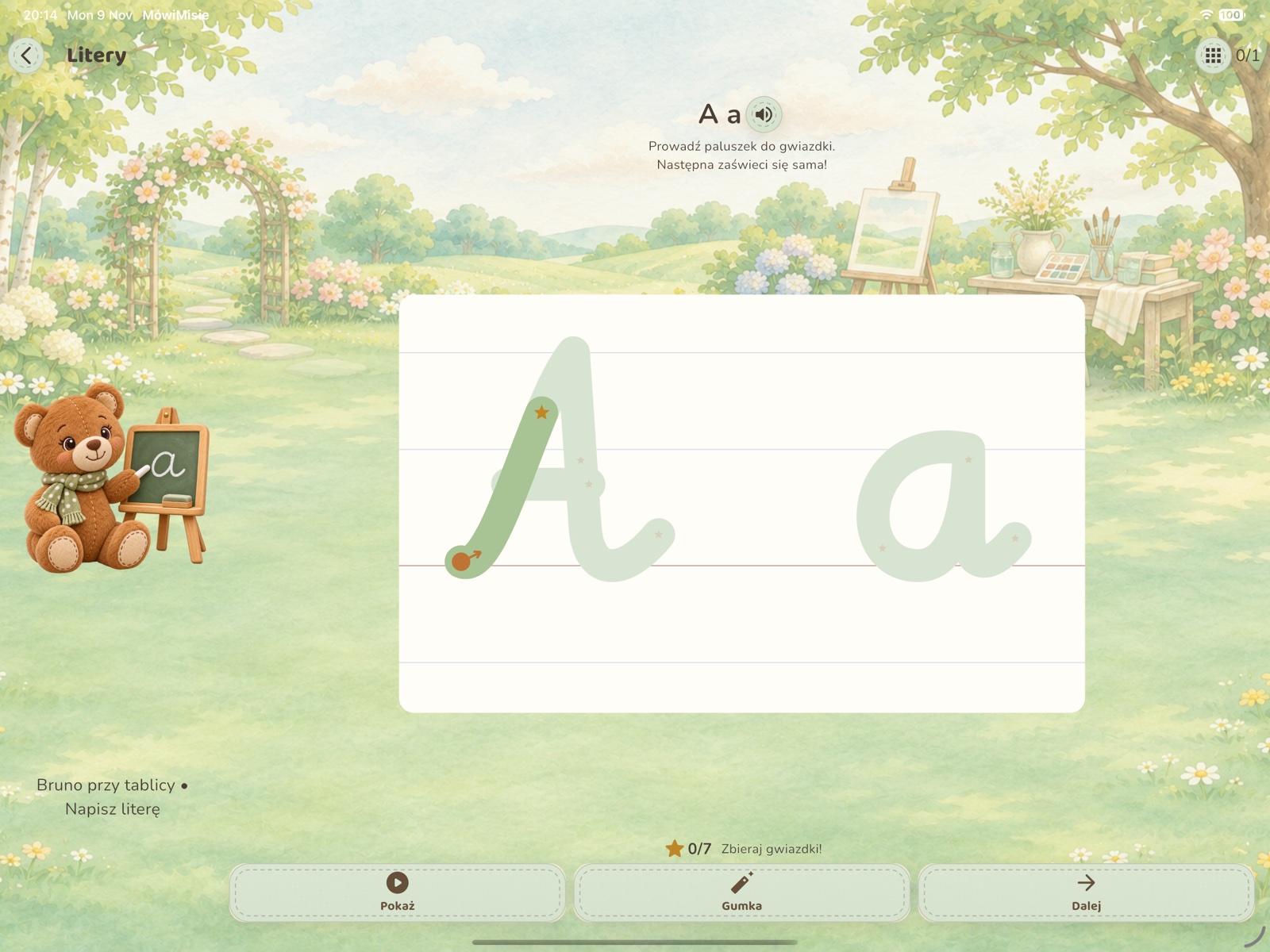
We designed exercises where the child listens, recognizes, and arranges elements. In the writing school, they guide a finger, stylus, or mouse along a designated path. The app checks passing through successive parts of the shape, including separate strokes and Polish characters. This is a direct interaction with the writing direction, not just drawing on the screen.
Music with Luna
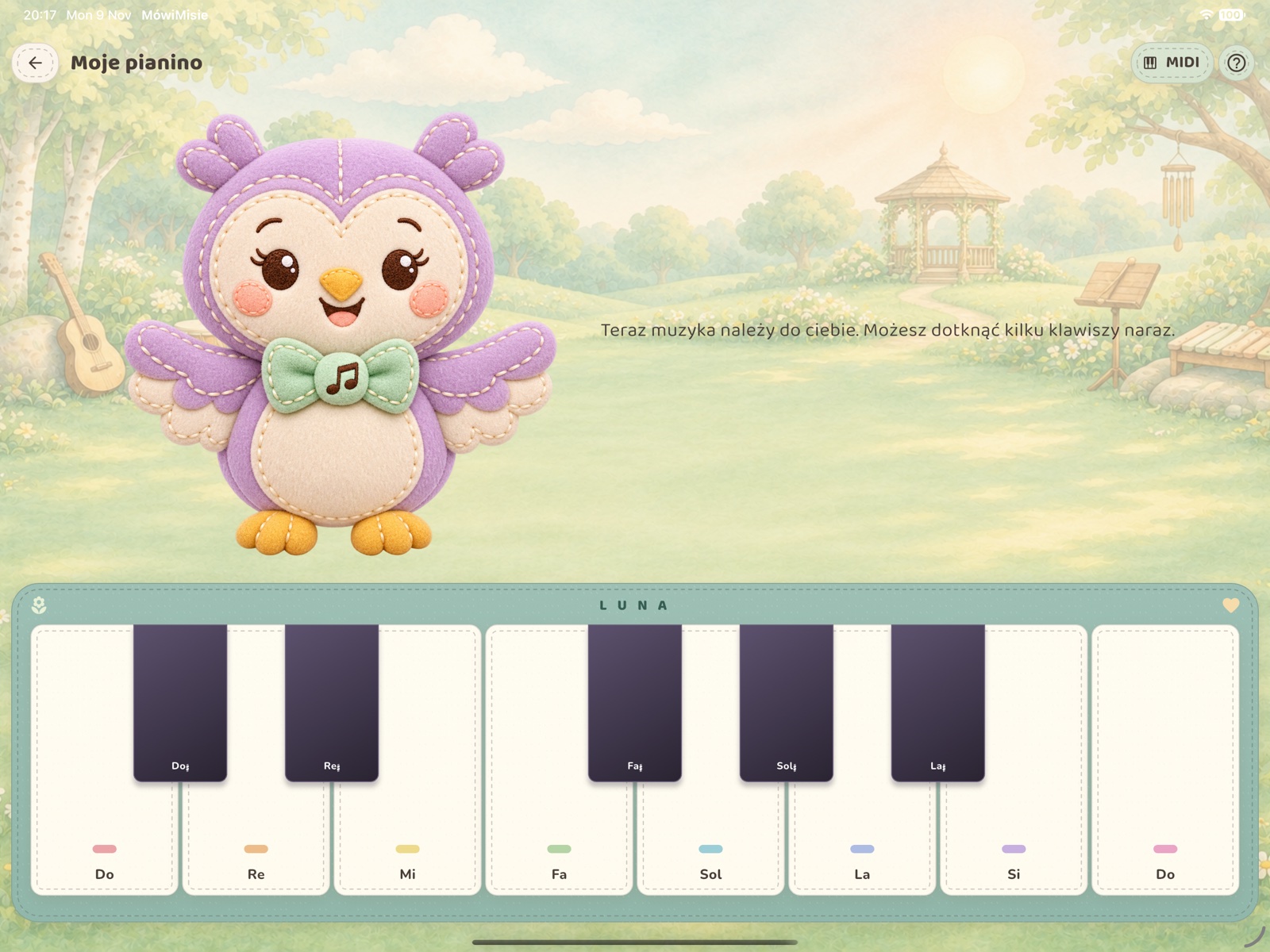
The colorful piano allows pressing several keys simultaneously and freely exploring sounds. Separate musical exercises give play a purpose. We combined the keyboard, sound, Luna's character, and visual feedback into one screen where the child immediately sees the connection between the gesture and the outcome.
An encyclopedia you can listen to
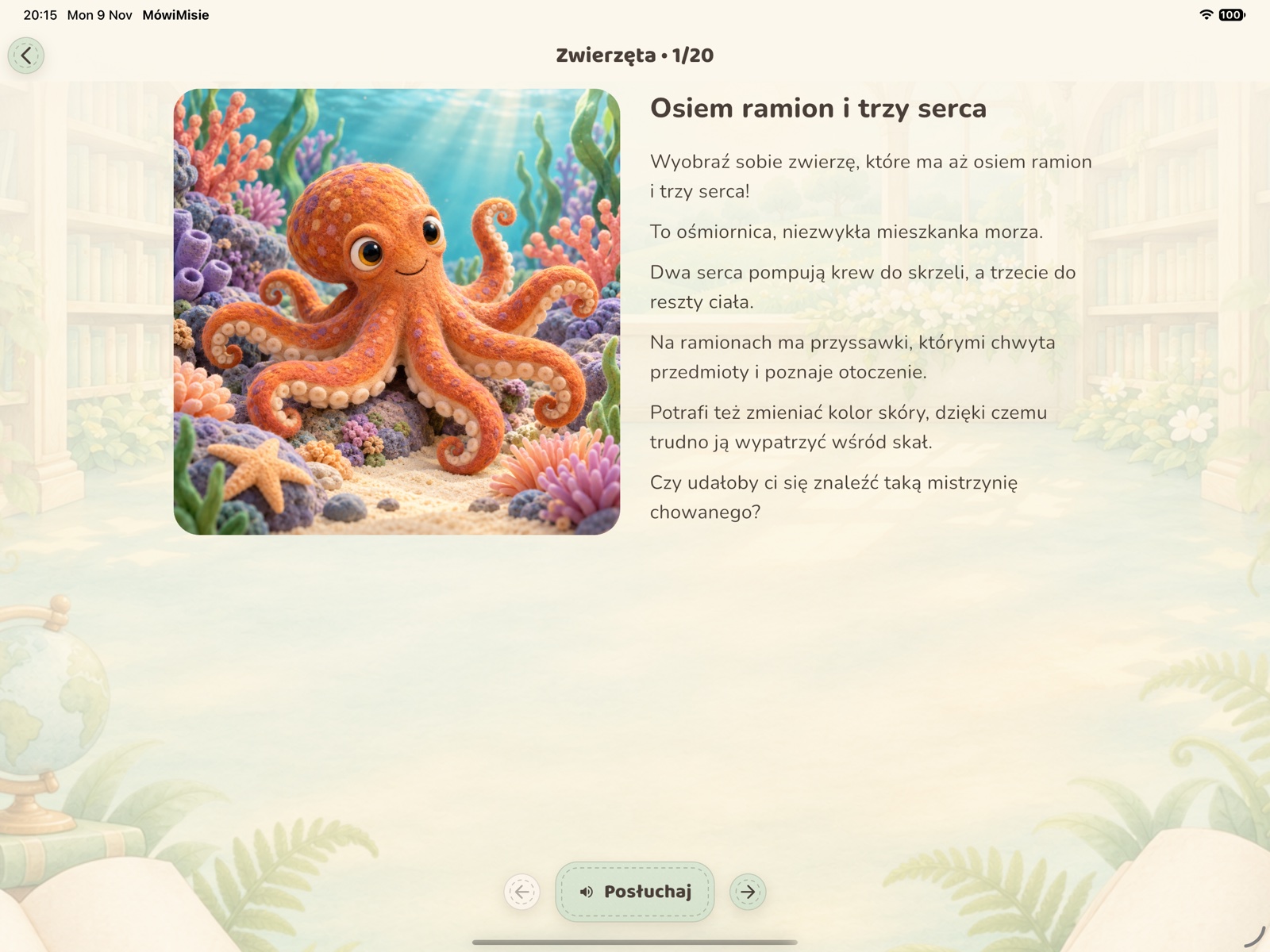
Large illustrations and narrated stories invite exploration of animals, nature, and space. The child can watch the image and listen to the story, while the adult has the text handy. We developed a reading room layout, topic selection, and integration of playback recordings.
Logic and observation skills
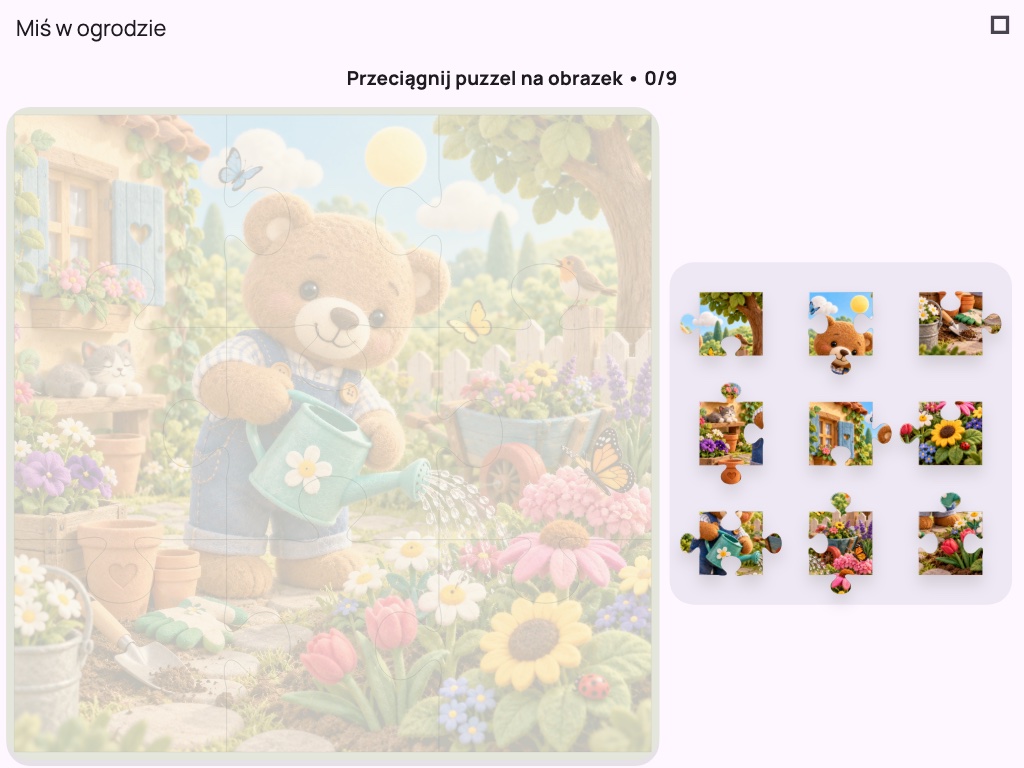
Puzzles, pairs, sequences, and selection tasks require different ways of acting. In the puzzle, the child drags pieces onto the illustration. The board shows the target image and progress, keeping the goal clear at all times.
Everyday situations and emotions
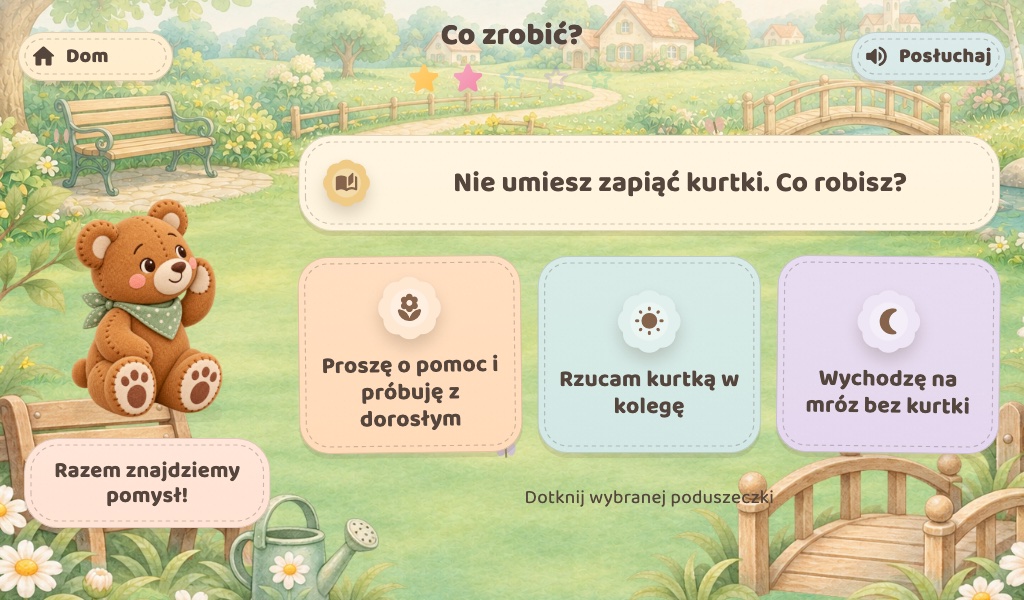
Not every activity involves letters or numbers. In "What to Do?", the bear presents a situation, and the child chooses a reaction. Large answers, the possibility to listen again, and a calm setting create a starting point for a conversation with an adult.
Flutter: one product for different screens
We develop the app in Flutter and Dart for iPhone, iPad, and browser. A shared codebase includes the lesson rules, app state, and most of the interface. This allows new mechanics or design changes to be developed within a single product.
The horizontal layout provides space for the illustration, action area, and answers. The interface is adapted to the device: on a touch screen, the child uses a finger or stylus, while in a browser they can use a mouse. Platform-dependent features have separate integrations — shared code does not mean ignoring differences between devices.
Content that can be expanded
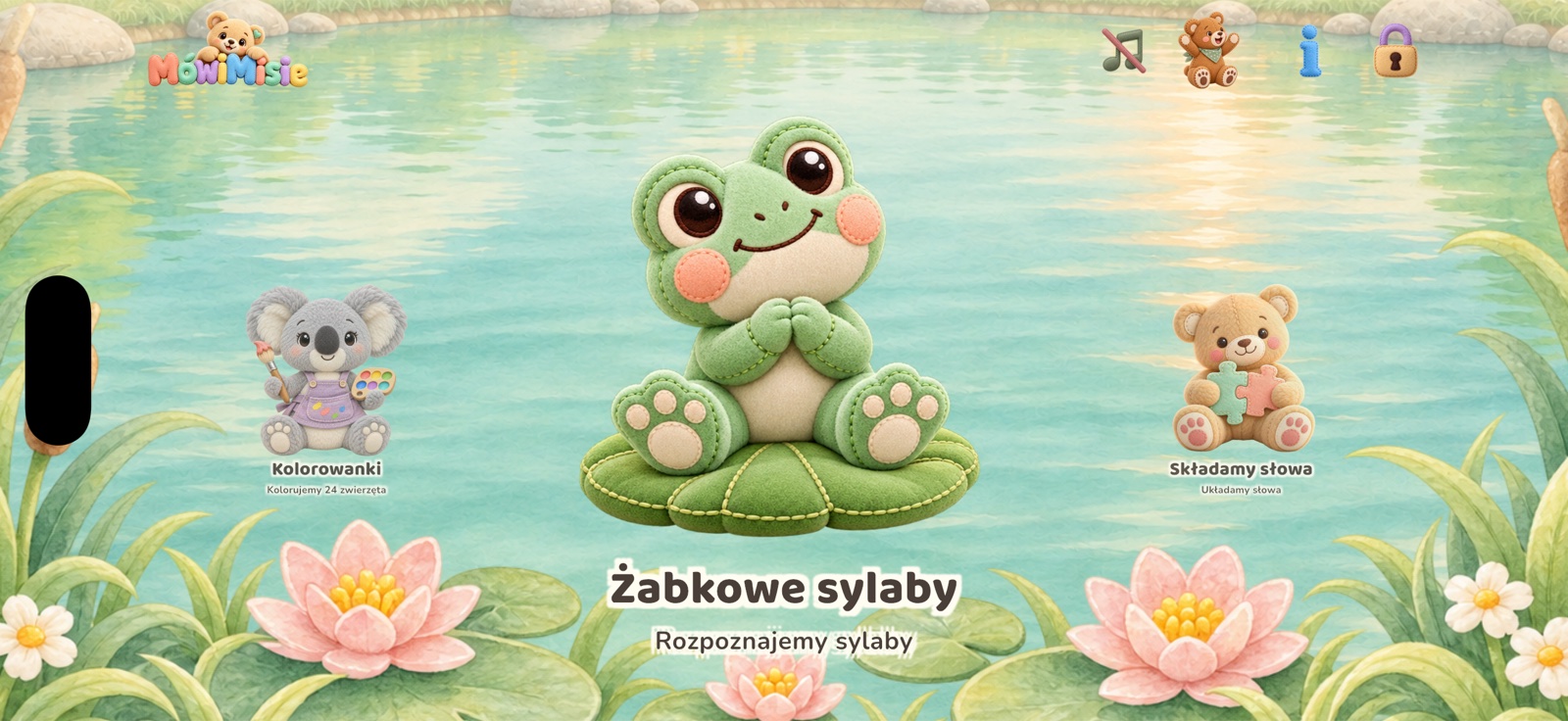
Behind the children's screens operates an editorial panel built on Laravel. The editor can search for a task, change the text and answers, prepare a similar exercise, and edit encyclopedia stories. Draft saving does not immediately change what children see.
After publication, the new version of the catalog is delivered to the application via API. Publication history allows preparation for reverting to an earlier content set.
We separated content from game mechanics: updating text or answers in the supported library does not require rebuilding the entire application. New mechanics, some built-in exercises, and new graphic resources still require programming work.
Sound, progress, and offline access
Voice recordings are part of the experience: they explain, guide, and respond to answers. The app uses an audio catalog, built-in materials, and downloadable resources. When exiting an activity, it stops related playback to prevent overlapping instructions on subsequent screens.
Completions are saved locally and then synchronized with the server for an anonymous device. Resynchronization merges results without counting them twice. Offline access relies on built-in materials or those already available on the device; new content requires a connection. We do not promise a full offline library on the first page load.
Result: an app with character and development support
We combined design for the youngest users, interactive scenes, a shared Flutter app, and content management tools. MówiMisie shows how we lead a project from concept and visual language to a working product — with equal attention to the child's screen and the editor's work.
Technologies: Flutter, Dart, Laravel, API, local data storage, audio integration.
Scope of work: product design, UX/UI, visual direction, animations and interactions, mobile and web application, backend, content panel, and release preparation.
The work, in detail.
Explore the visual details, layouts and original artwork. Select an image to view it at full size.